Download Documents from a Profile
Navigate to Reservations ➜Search ➜Profiles. The Profiles tab is displayed.
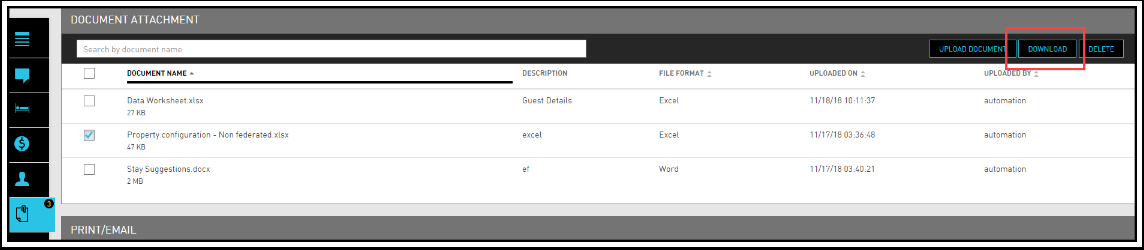
Click on the Document Attachment tab. The Document Attachment screen opens.
Select the document users wish to download and click Download. Users can select multiple files for download.